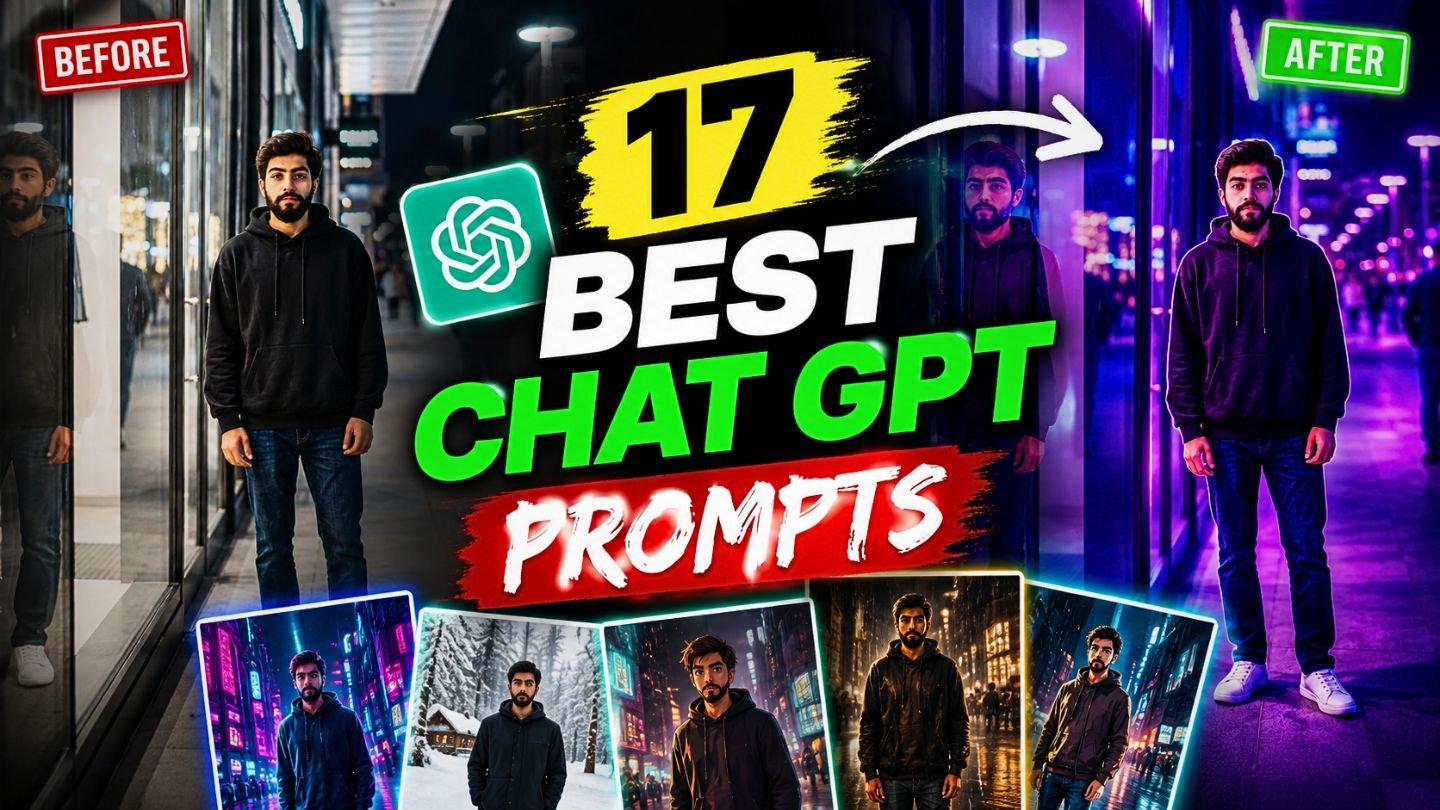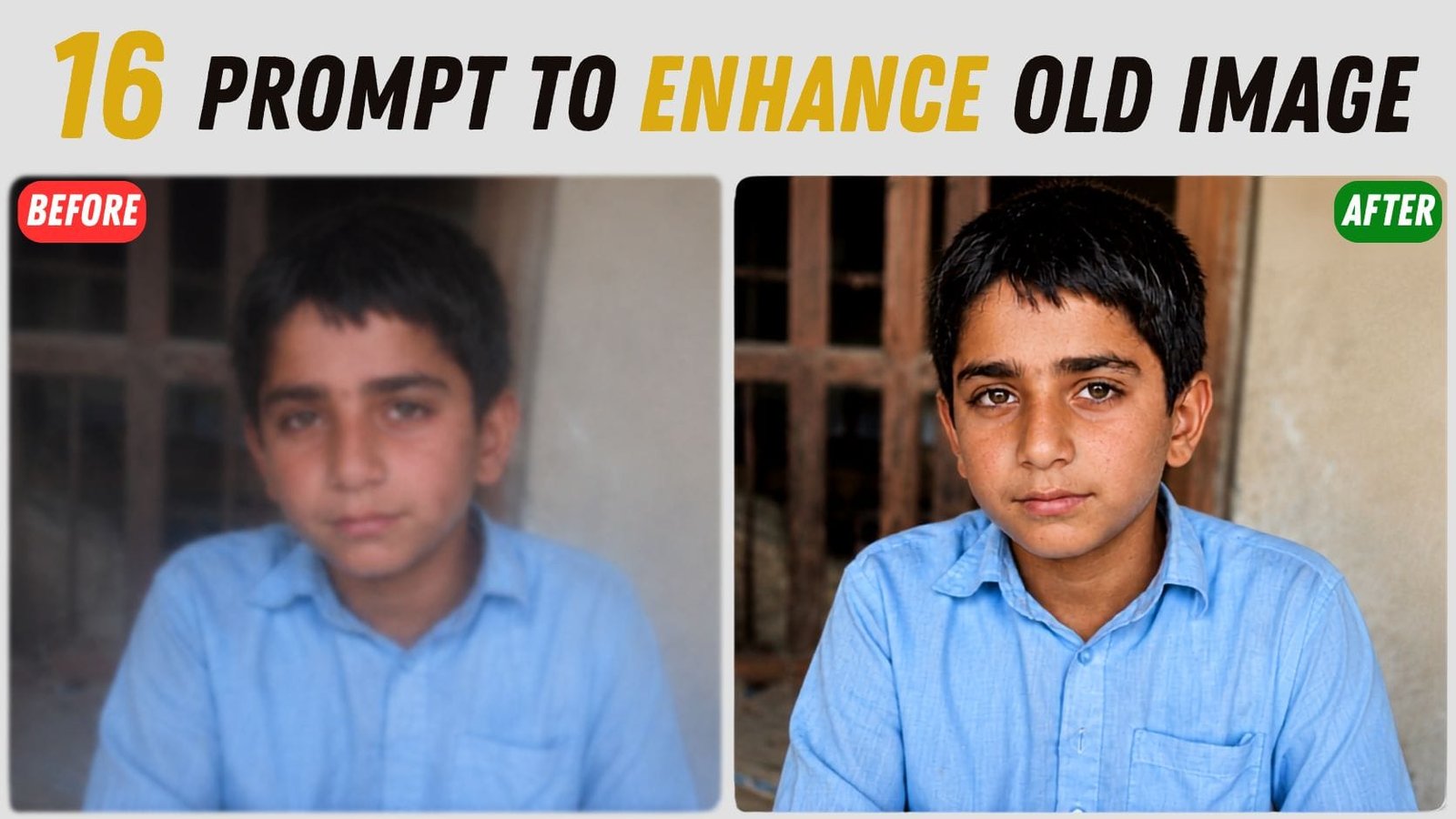
Let’s Fix the Problem with AI Prompts, Ever taken a picture that looks awesome on your phone screen, but as soon as you zoom in or print it out it’s blurry or pixelated? You aren’t alone. One of the most common problems people face every day is blurry photos, grainy low light pictures and old faded photos.
The good news is that you no longer need expensive software or years of editing experience to fix this. With the right Chat GPT AI prompts you can convert a dull, blurry or low resolution photo into a sharp, clear and high quality photo in just a few minutes.
In this article, we will present to you 16 of the best Chat GPT prompts for image enhancement. There is a prompt for it, whether you want to make a scanned document easier to read, improve a product image for your online store, brighten up a dark night shot, restore an old family photo or enhance a selfie.
Each prompt is written in plain text; you simply need to send a one-line “prompt” to Chat GPT or any AI photo editor, and it will automatically enhance the image. At the end of this article you’ll have a full toolkit of prompts to use whenever you want to revive an image.
Here are the All ready to use “AI Prompts” for Chat GPT, Google Gemini and other AI image generation models.
1. Portrait Quality Enhancement
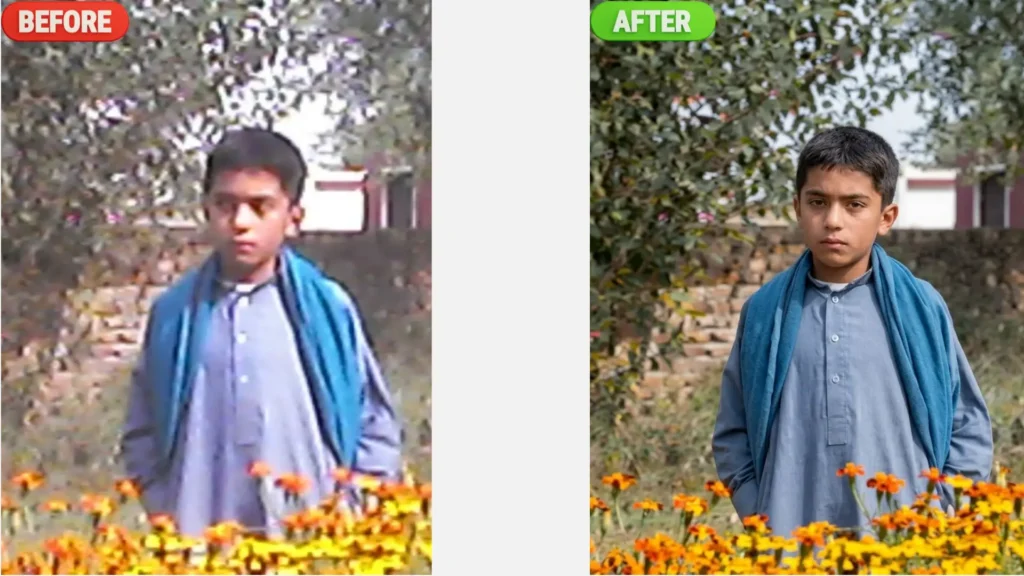
2. Selfie Enhancement
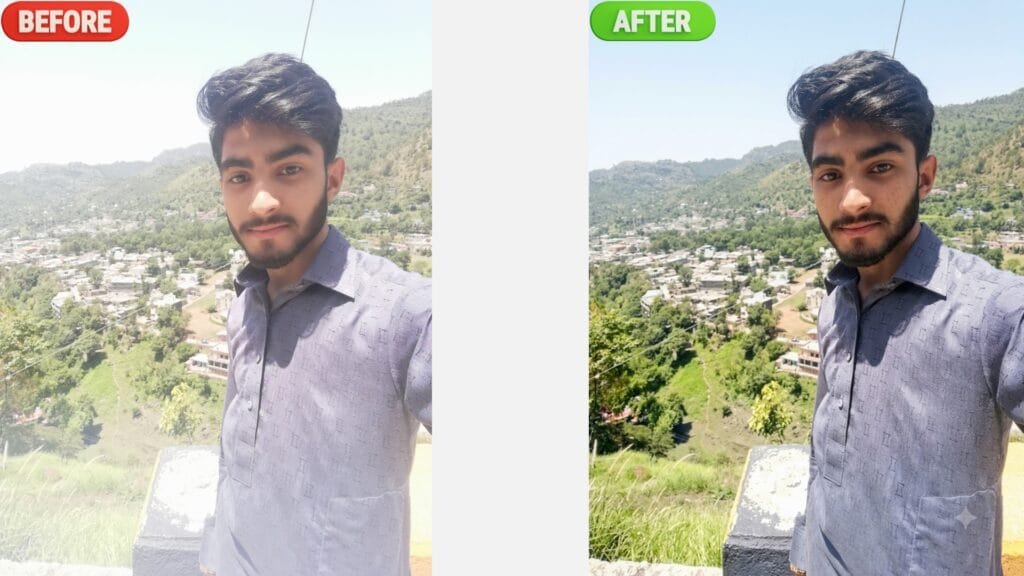
3. Old Photo Clarity Restoration
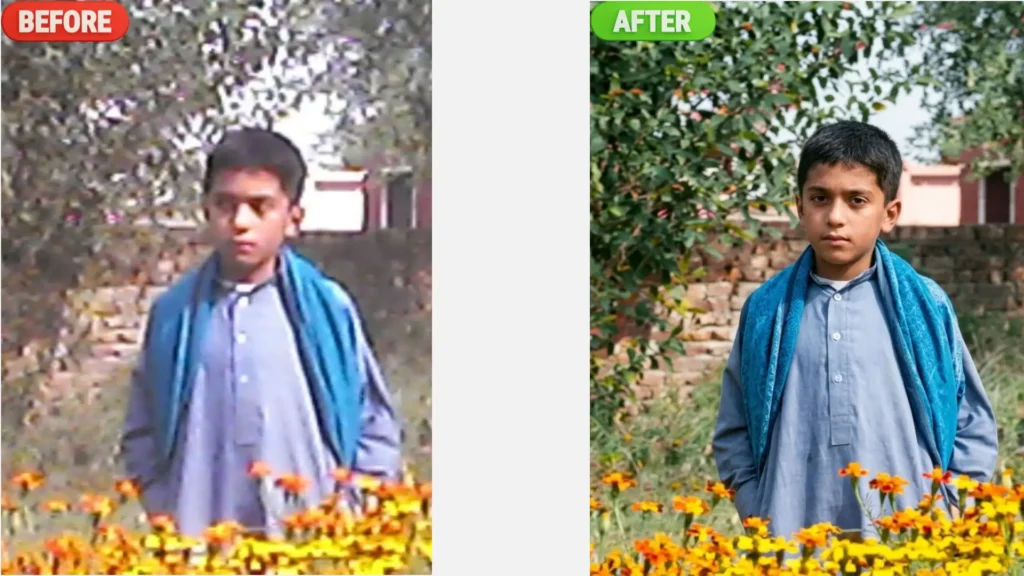
4. Blurry Face Enhancement
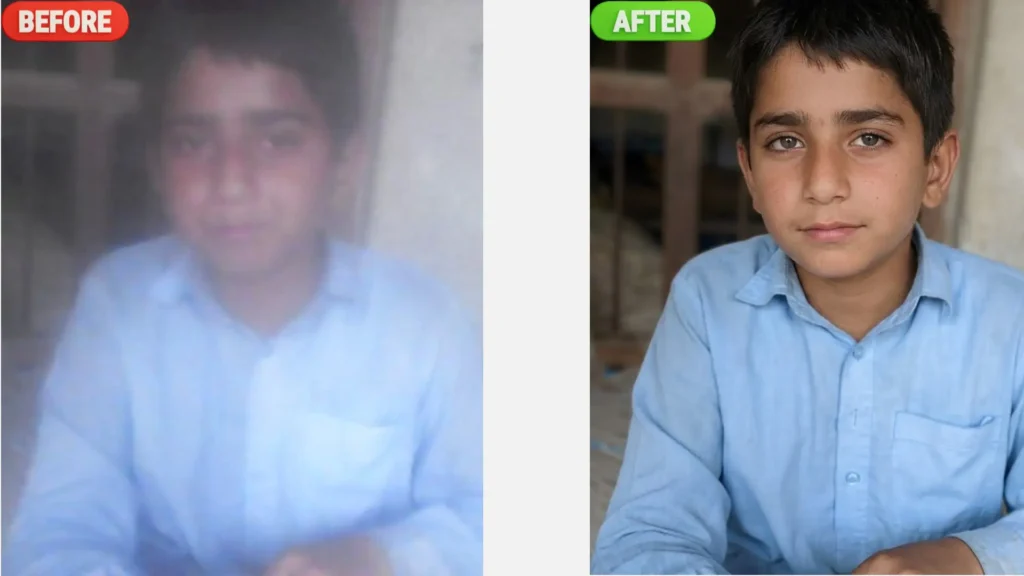
5. Remove Unwanted Objects from background
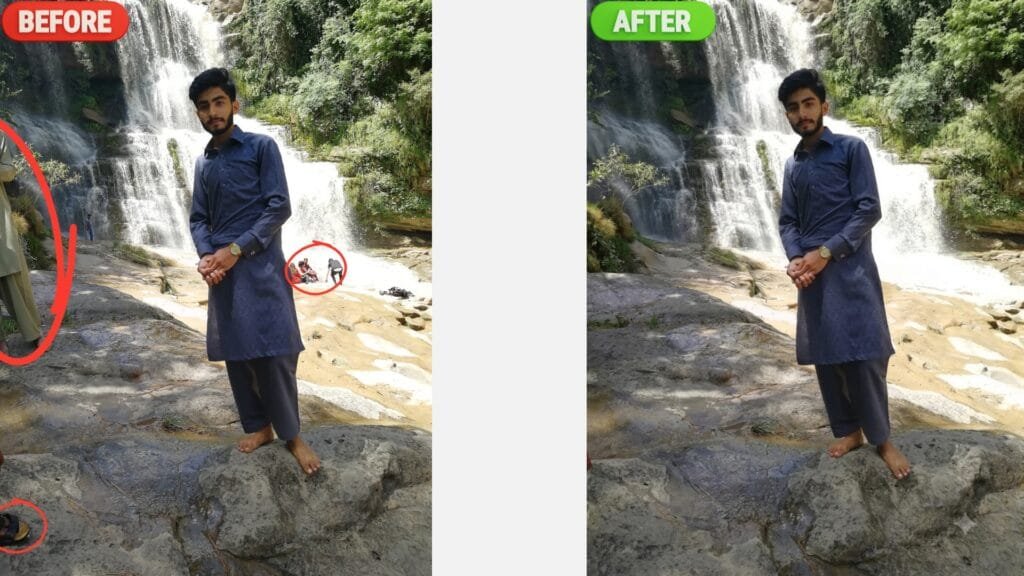
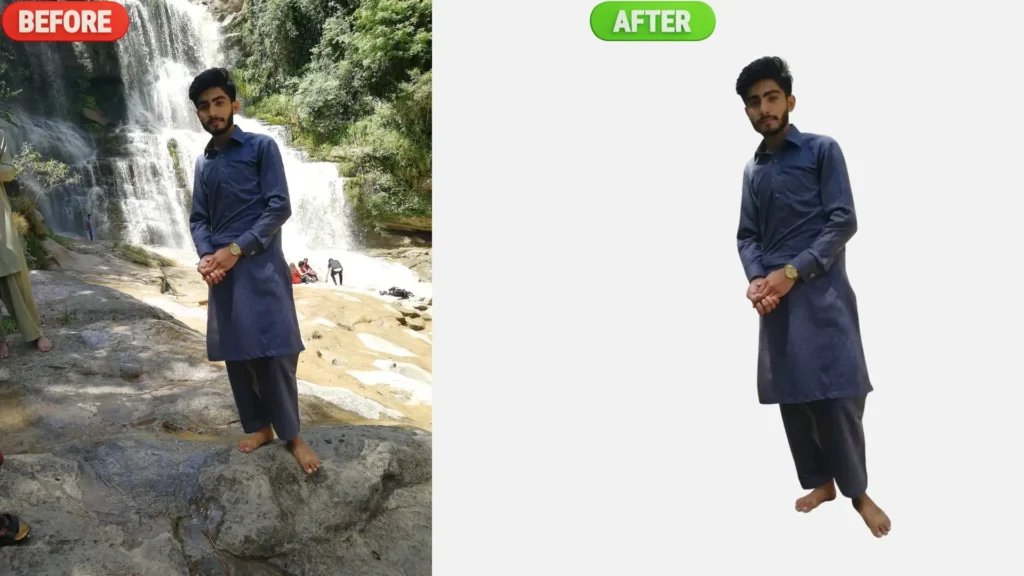
6. Background Remover
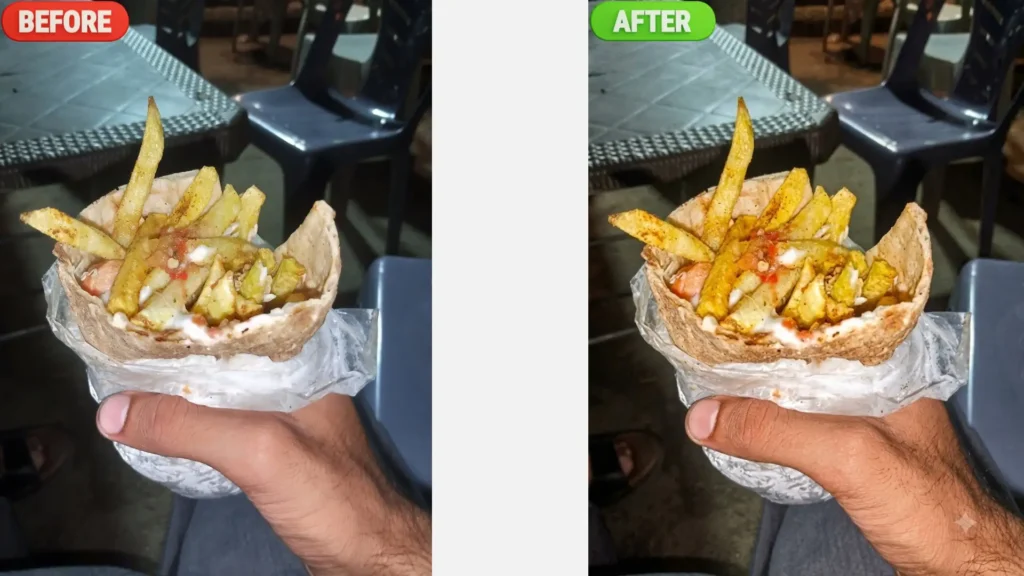
7. Food Photography Enhancement
8. Product Image Clarity Enhancement
9. Thumbnail Enhancement
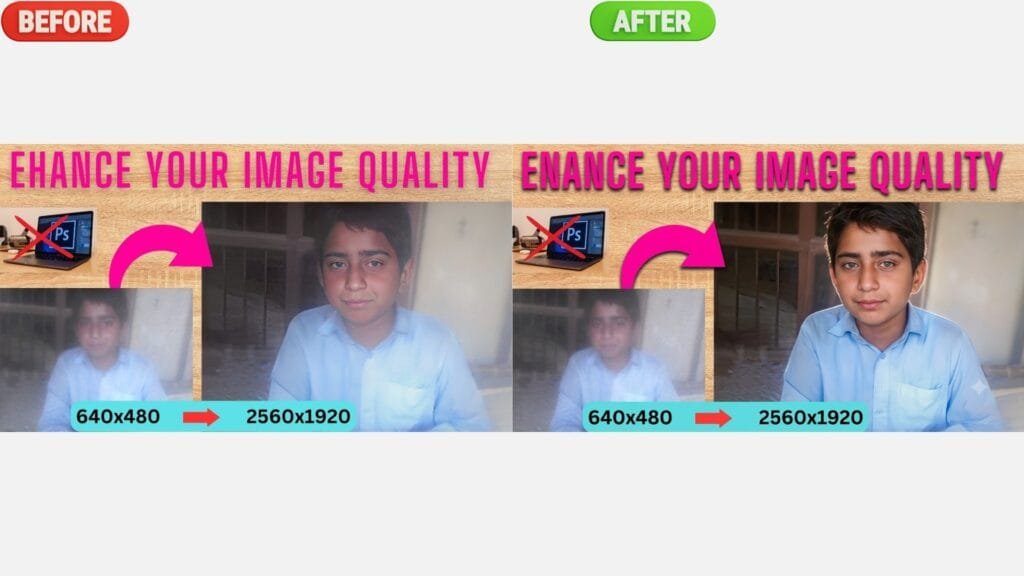
10. Screenshot Text Clarity Enhancement
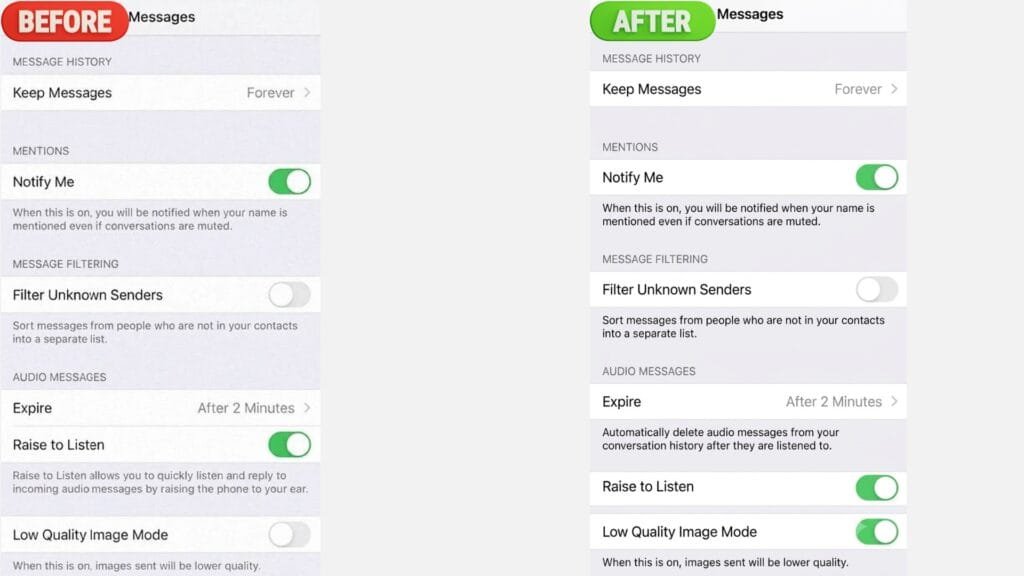
11. Document Scan Enhancement
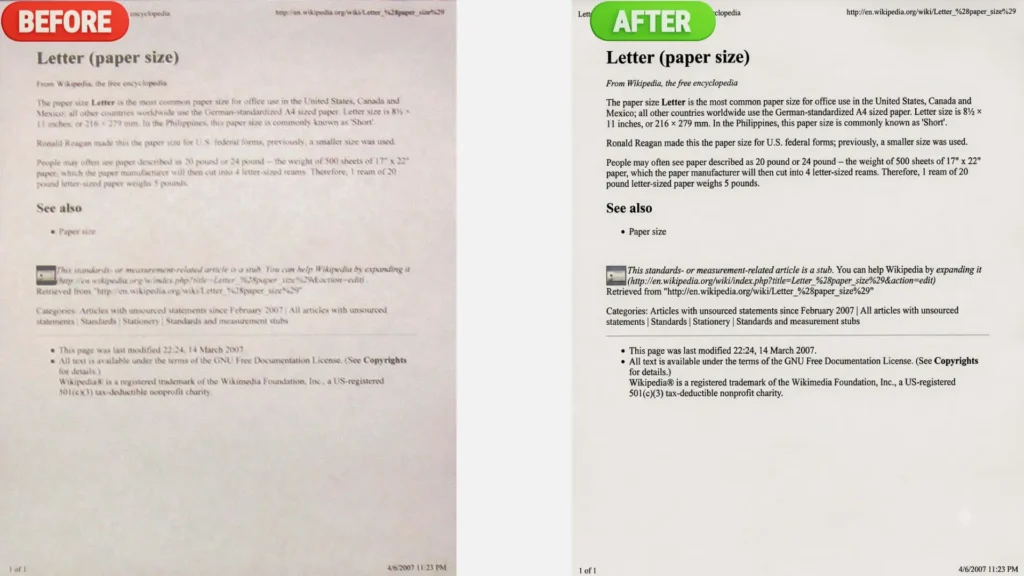
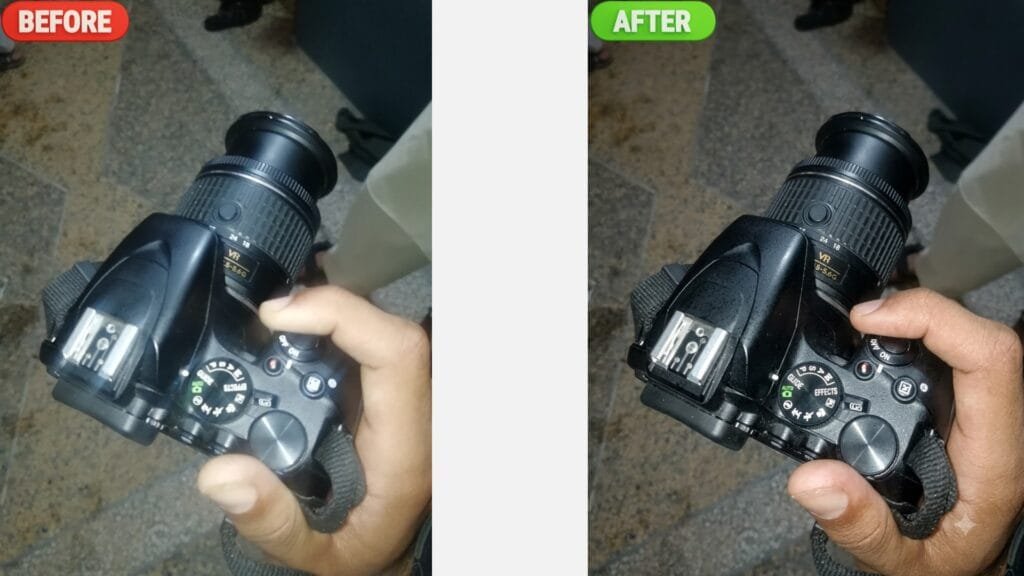
12. Smartphone Photo Enhancement
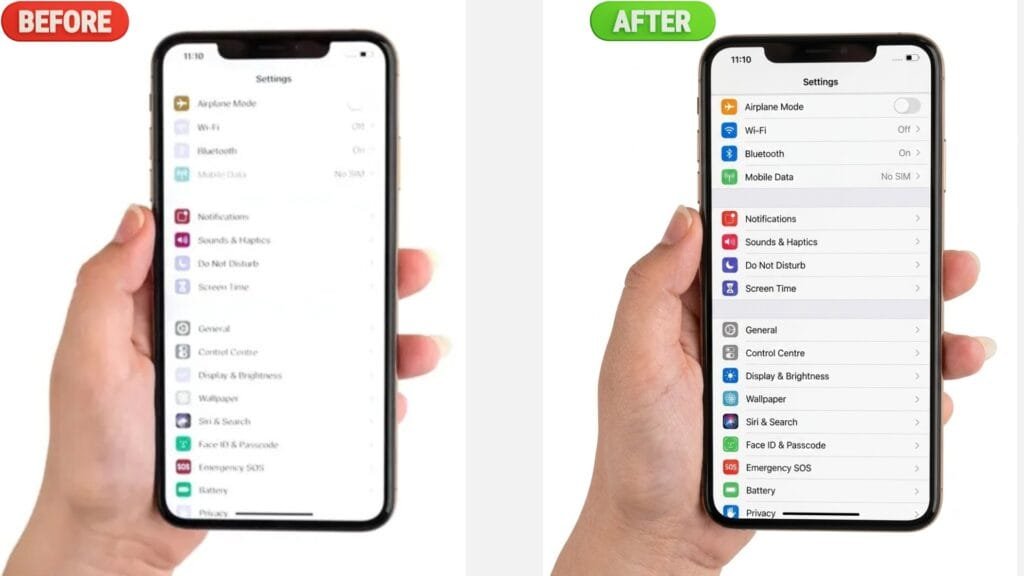
13. Night Photography Enhancement
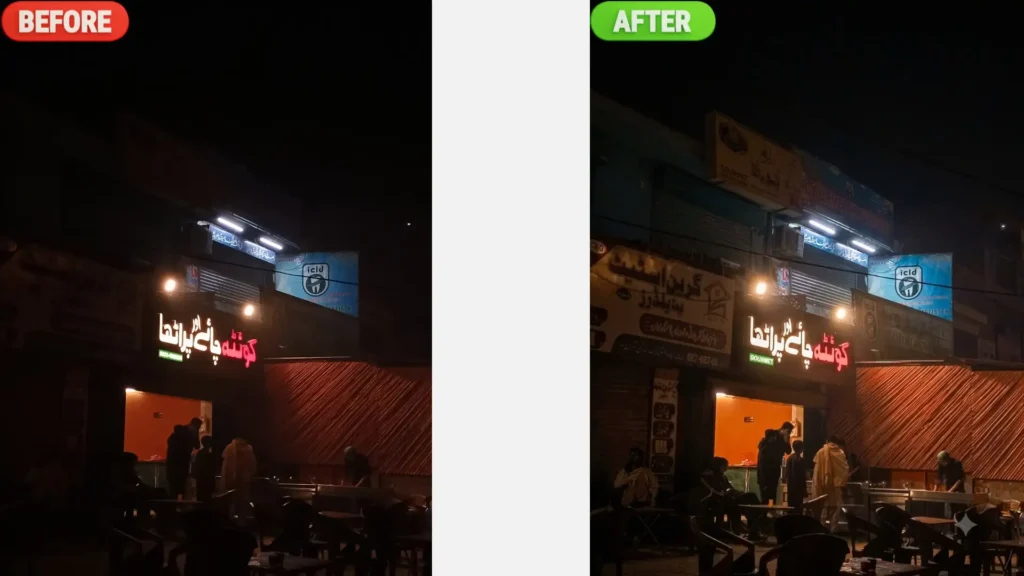
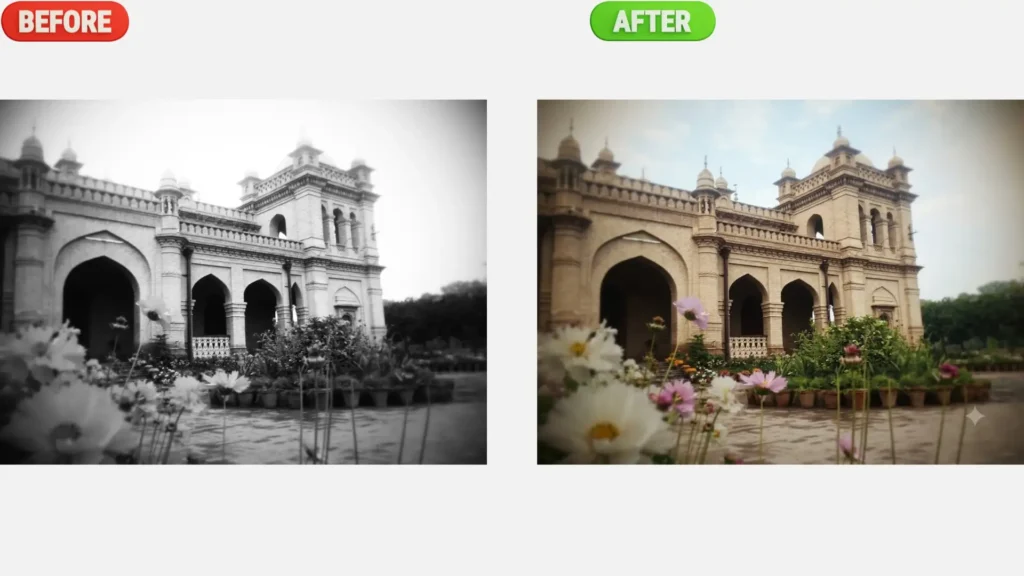
14. Colorize Black & White Photos
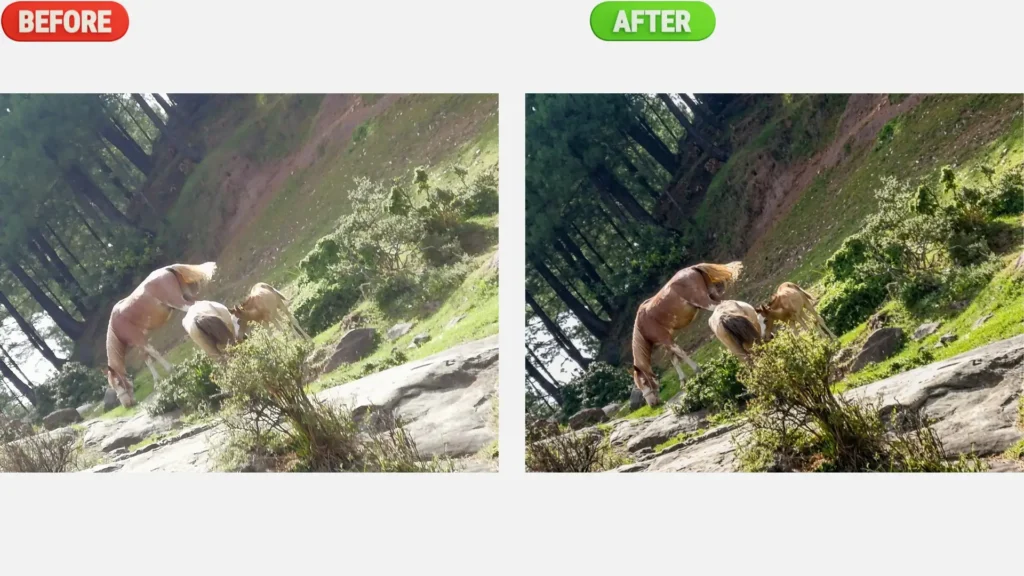
15. Landscape Clarity Enhancement
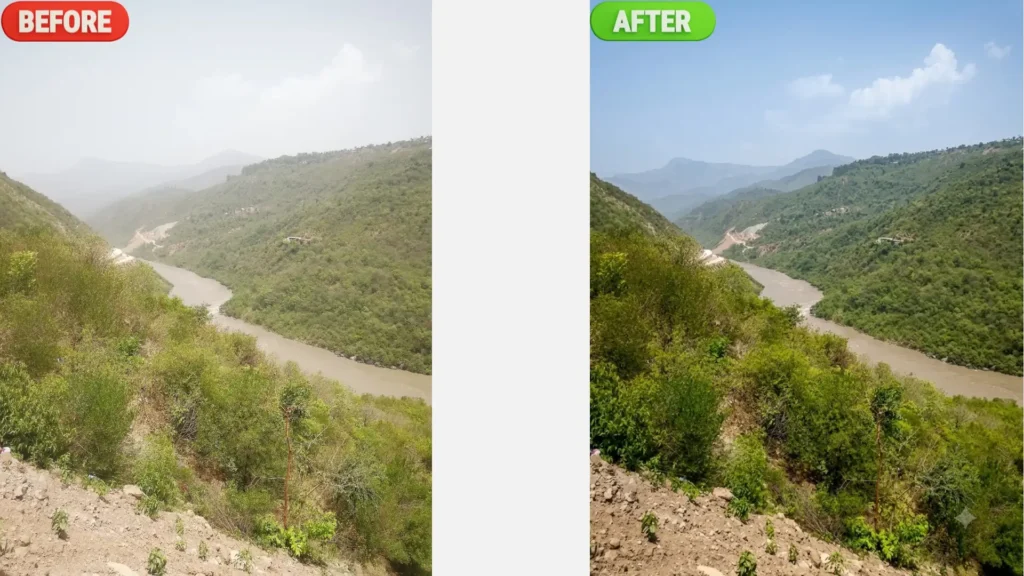
16. Nature Photo Enhancement
Conclusion
And that’s all! With these 16 image enhancement prompts, you now have everything you need to turn your blurry, dull, or low-quality photos into sharp, clear images, no expensive software necessary. Try some of these prompts on your own photos today and see the difference for yourself. If they served you well, make sure to bookmark this page so you can come back to it whenever you need a quick photo fix. If you enjoyed this post please subscribe so you don’t miss future posts like this one. If you have any inquiries on how to use these prompts, drop a comment below and let us know.
FAQs
Q. Is it possible for Chat GPT to enhance image quality?
A. Sure. Chat GPT can use AI image tools to sharpen details, fix blur, improve lighting, and increase resolution. Results can differ depending on the original photo but most pictures look a lot clearer.
Q. Do these prompts work on Gemini or other AI platforms?
A. Yes, While these prompts are designed for Chat GPT, the same text will work well in Gemini and most other AI image generation tools. These platforms understand natural language in a similar way, so you can copy and paste the same prompts and get similar results.
Q. Are these prompts helpful for very old/damaged photos?
A. Yes some of the prompts on this list are made for old and damaged photos. They can help you bring back faded colors, reduce scratches and sharpen details. Very badly damaged photos may need more than one try.
Q. Can I use these prompts on my cell phone?
A. Yes. If you have access to the phone browser or app of the chat gpt, gemini and other ai tools all of these prompts can be used in the same way as on a computer.
Q. Why is there still some blurriness in my improved photo?
A. This is often the case with original photos that are very low resolution or have a lot of motion blur. In these cases, pick another prompt from the list or combine two prompts for better results.
The Pictures above was taken from one these mobile phone company can check out the article and take a guess? Link