Why these Best Chat GPT Prompts and Google Gemini Prompts are necessary?
Image Enhancement and color Grading can make or break a photo’s feel. The same picture can be flat and boring or warm and cinematic, just by changing the light and tone. The hard part is most people have no idea how to get that professional look without spending hours in editing software. This is where Chat GPT Prompts and Google Gemini Prompts come in. And with the right prompts, you can turn your photos into something new, with effects like golden hour glow, moody colors, cinematic lighting and film-style grading, all without complicated editing tools.
In this post, we are sharing 17 best Chat GPT prompts for lighting enhancement and color grading. From soft studio light to bold neon tones, these prompts will help you give your photos a polished, professional look in just seconds. You’ll find a prompt here for editing portraits, product shots, or everyday photos.
How to use these Best Chat GPT Prompts?
To use these prompt simple got to Chat GPT or Google Gemini or any other image generation tool,
Simple upload the image that you want to edit, and then paste that prompt. After entering you model will regenerating the image and the desired image as per prompt will be showed within minutes on screen.
Steps:
1. Open your LLM Model
2. Upload the image you want to edit
3. Enter the Prompt
4. LLM Model (Chat GPT, Google Gemini or any other) will start generating image.
5. Your Final Image will be on your screen.
Here are all 17 Chat GPT Prompts and Google Gemini Prompts for Image Enhancement And Color Grading:
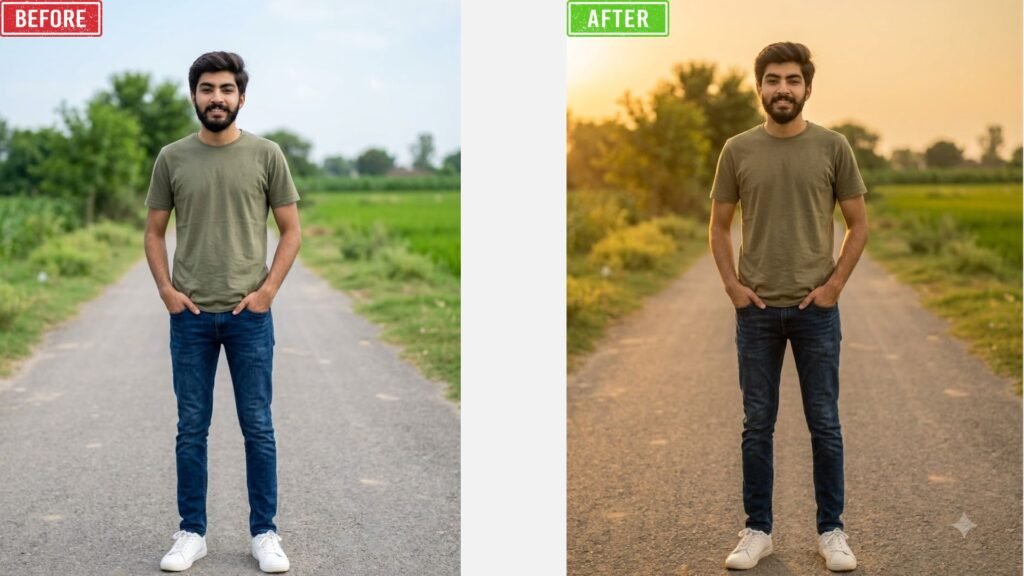
1. Golden Hour Lighting:
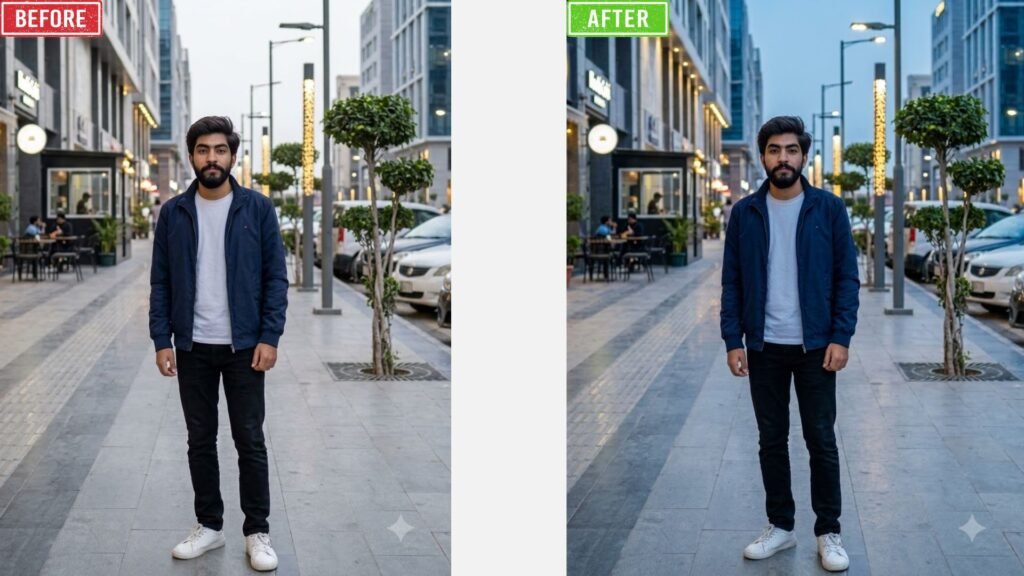
2. Blue Hour Lighting
3. Studio Lighting
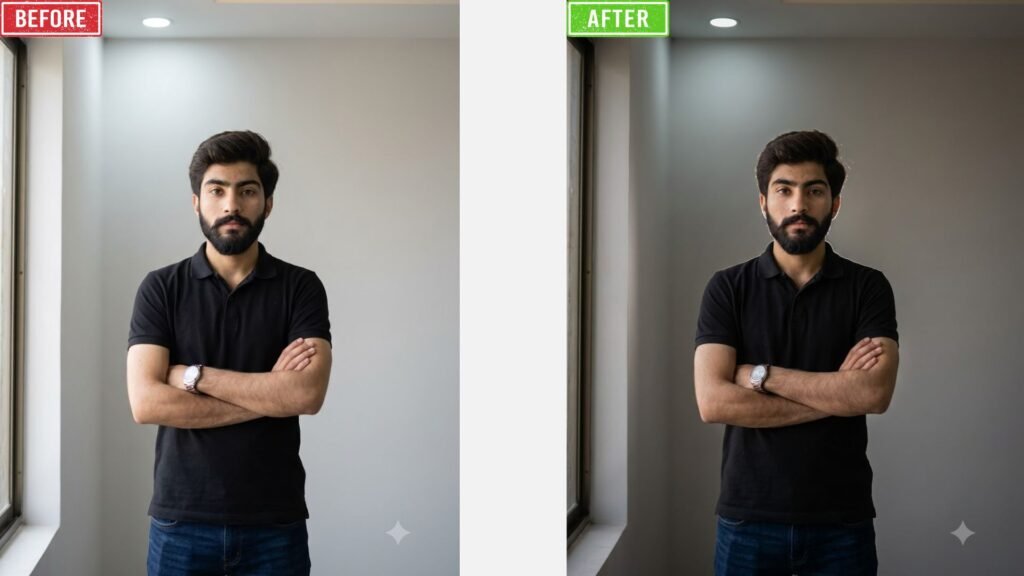
4. Soft Light Enhancement
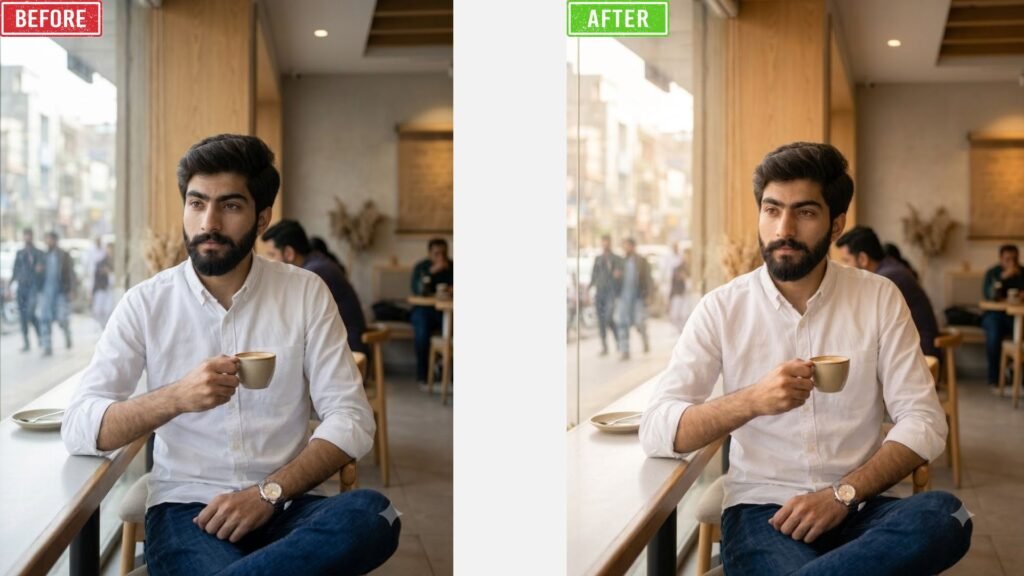
5. Hard Light Enhancement
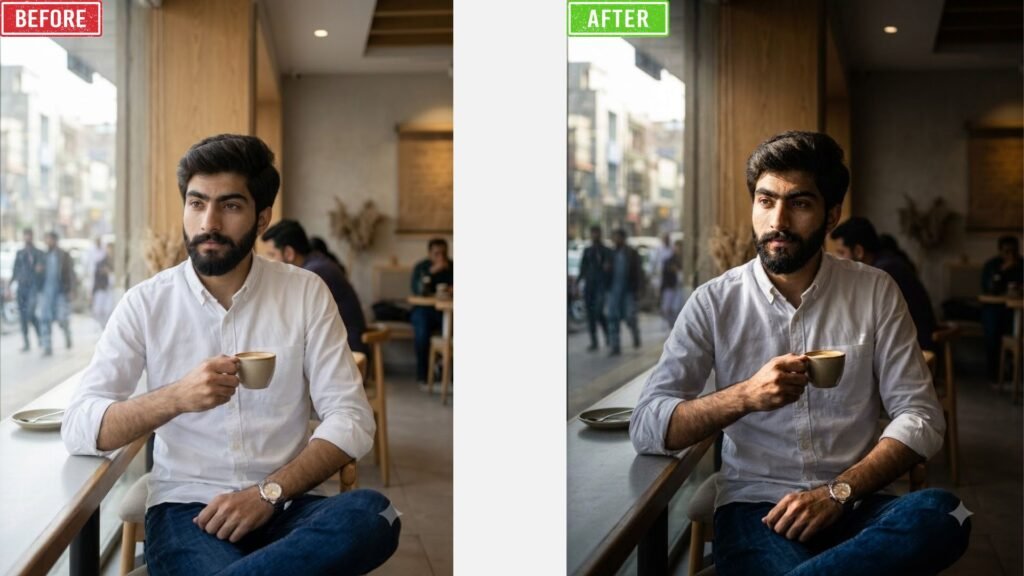
6. HDR Lighting
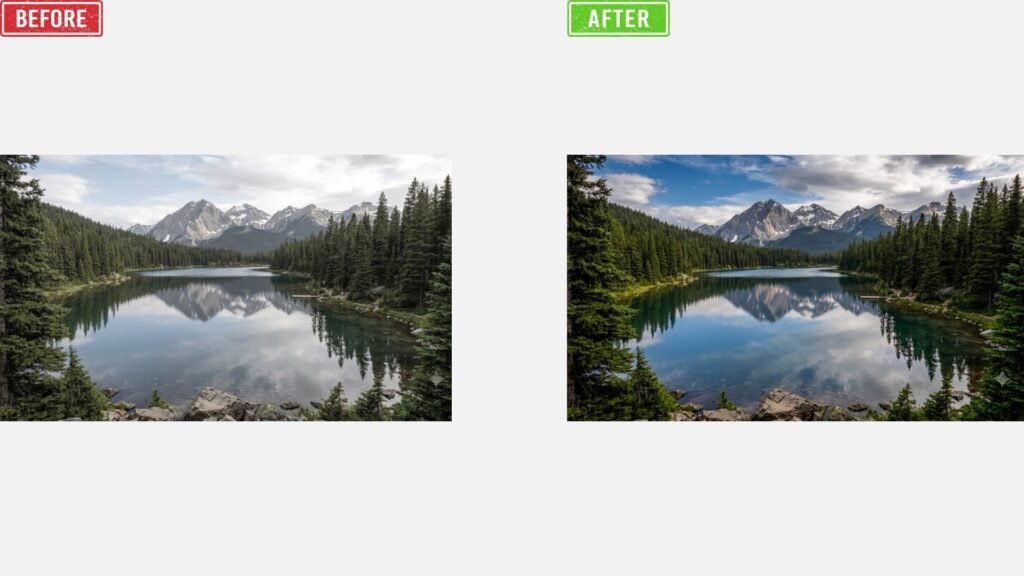
7. Cinematic Lighting
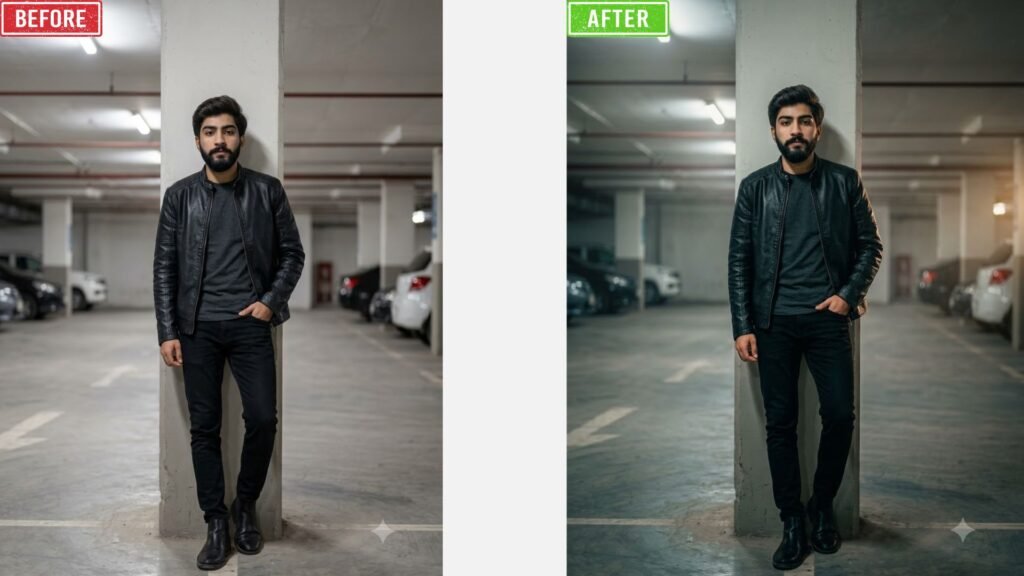
8. Neon Lighting
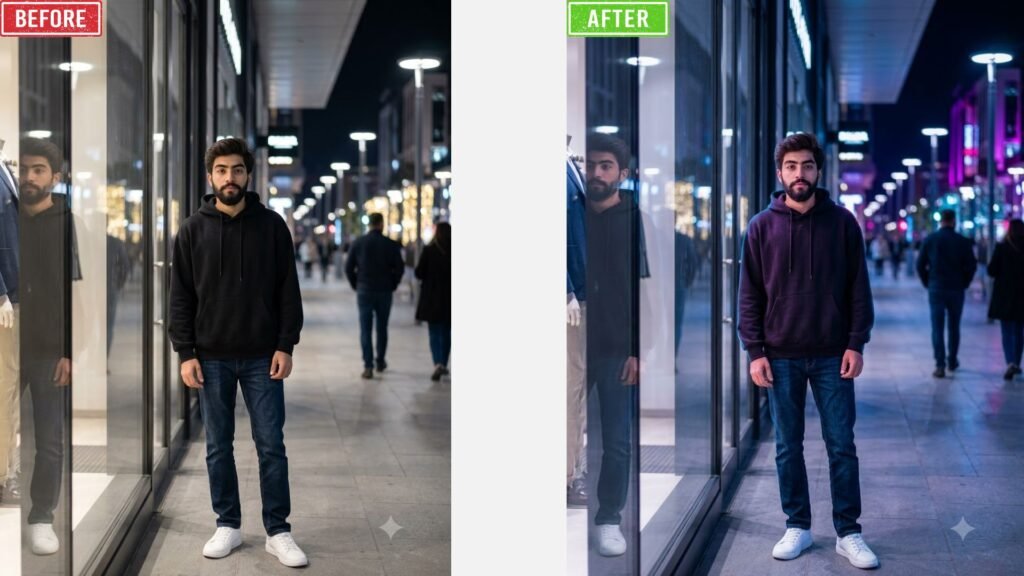
9. Window Light Enhancement
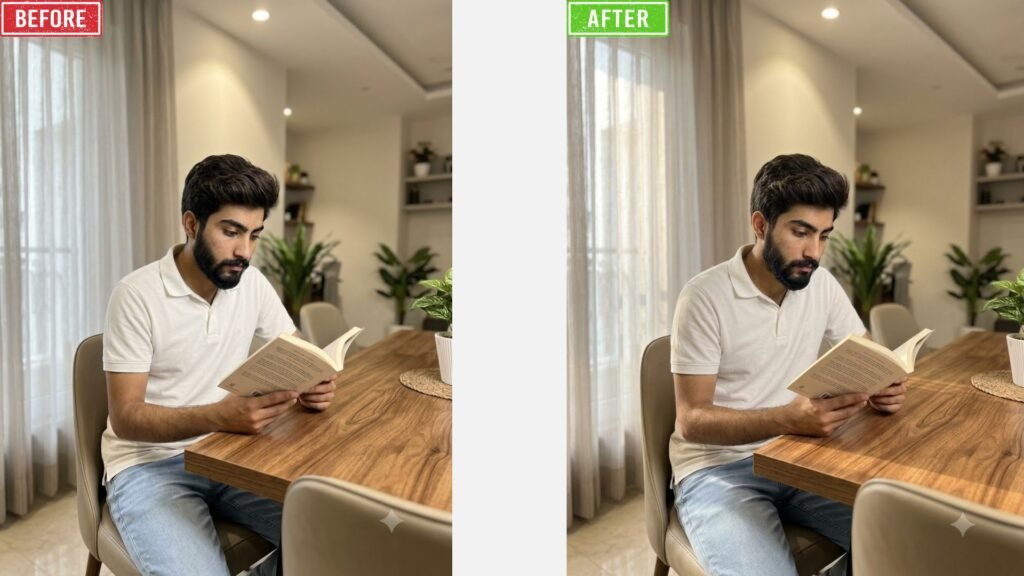
10. Sunset Glow
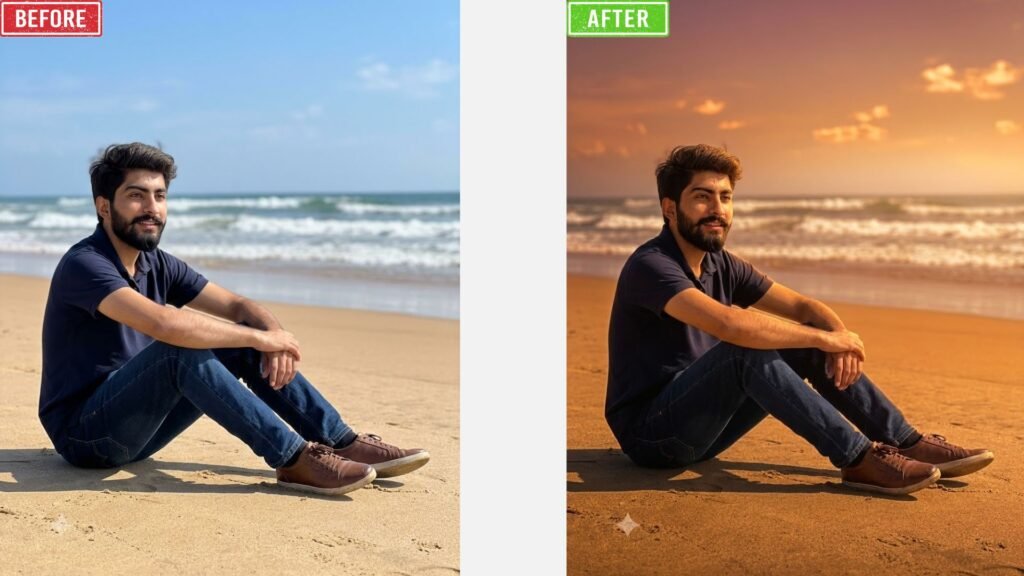
11. Warm Tone
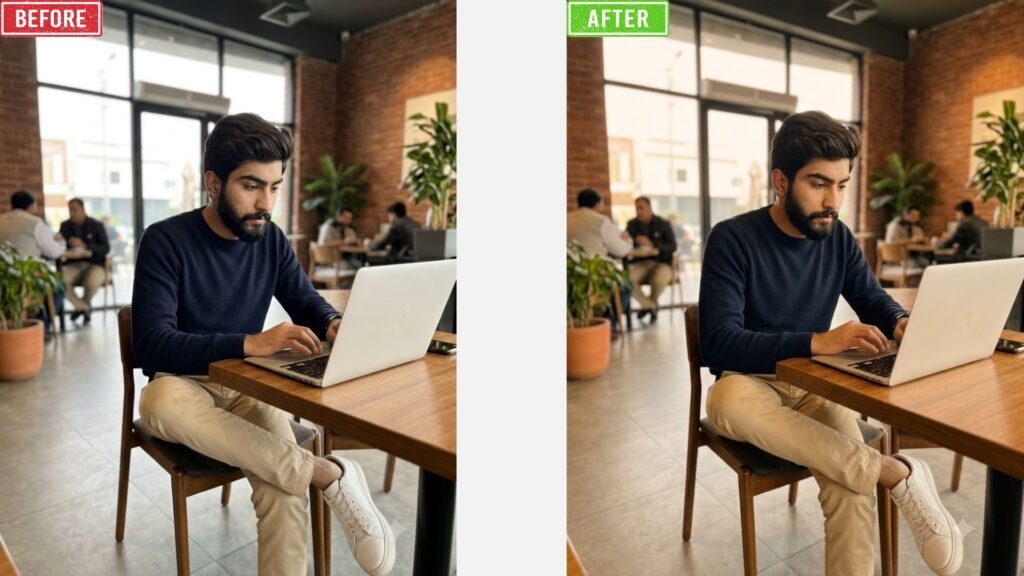
12. Cool Tone
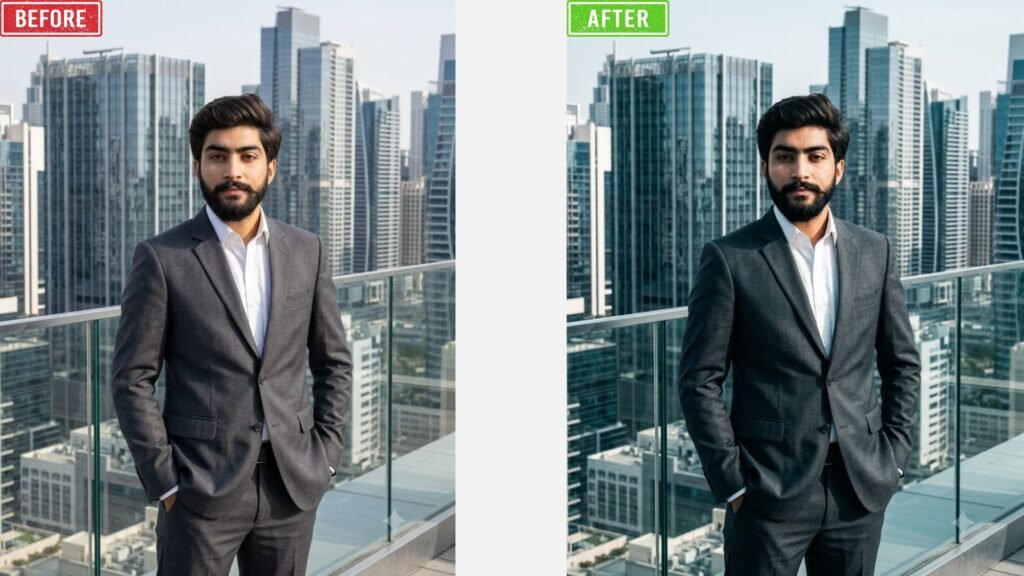
13. Film Look
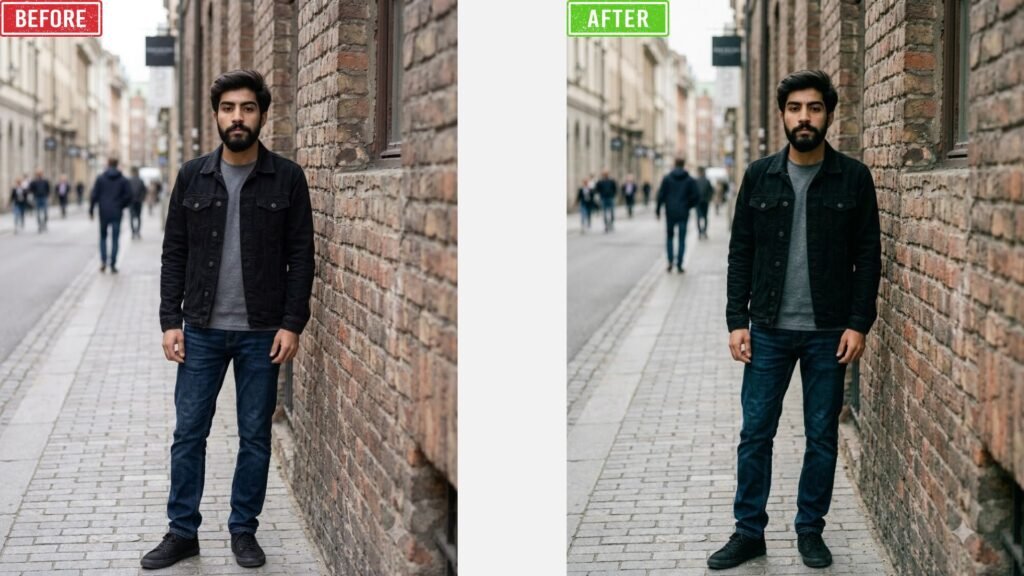
14. Moody Colors
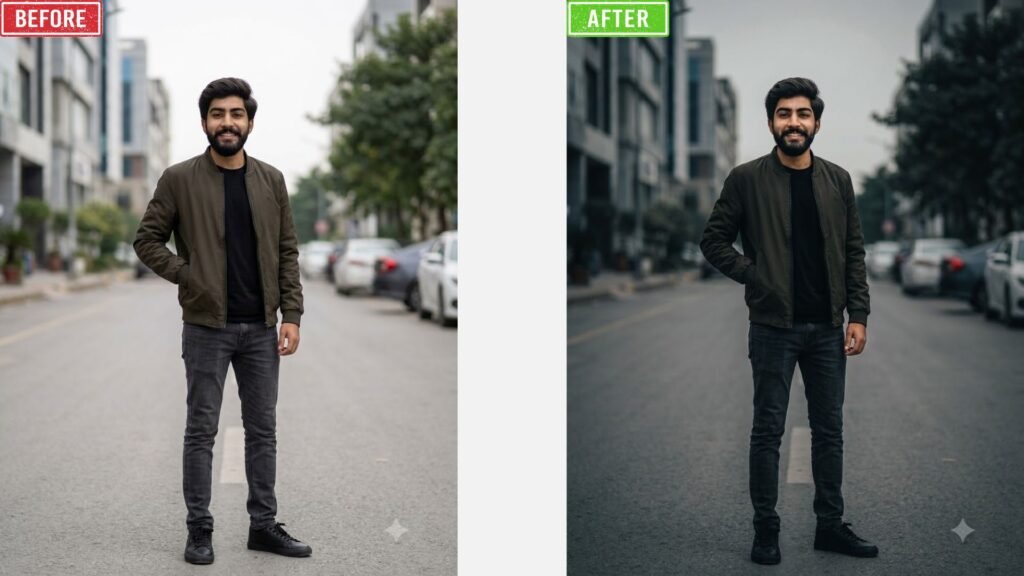
15. HDR Colors
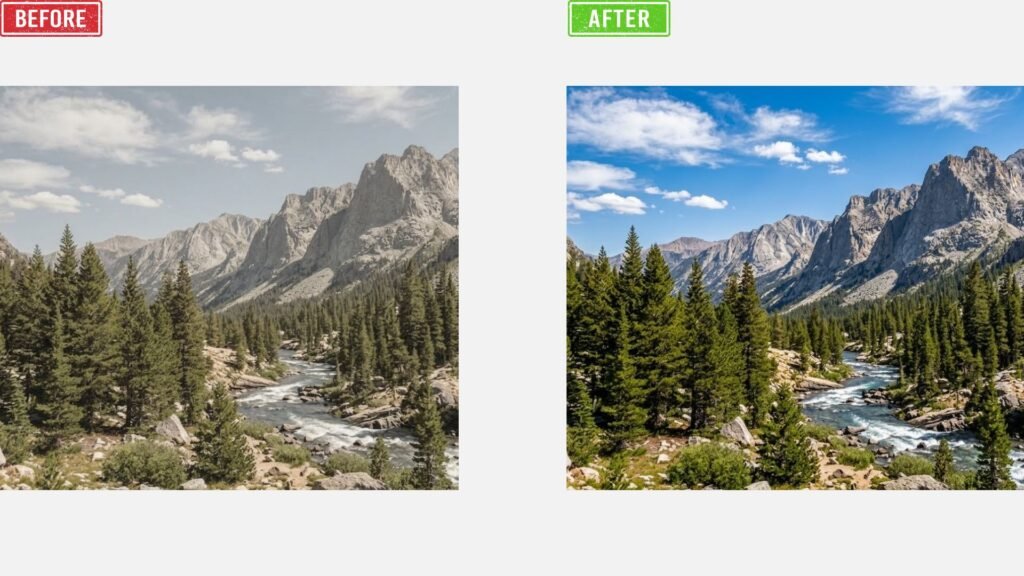
16. Monochrome Colors
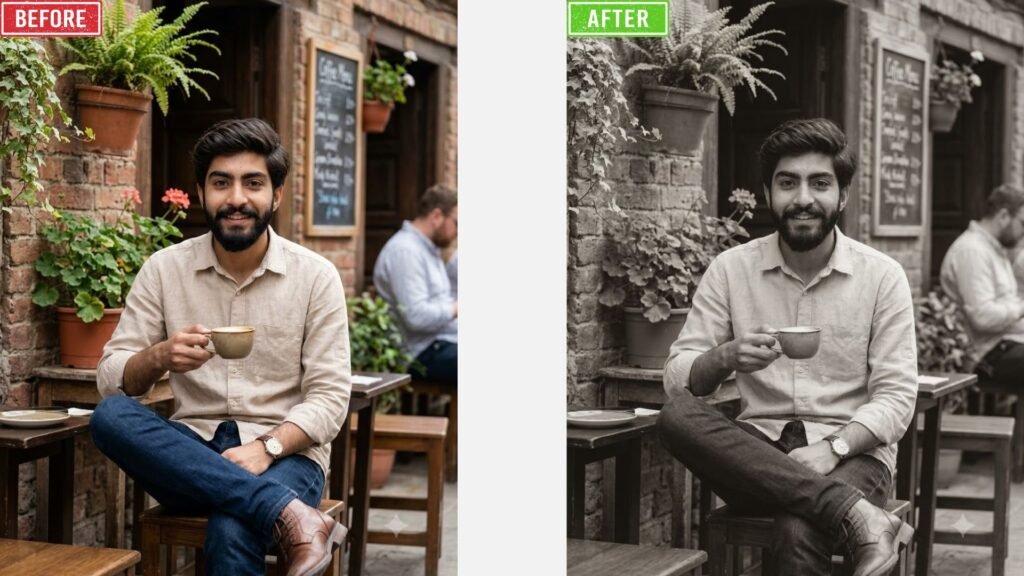
17. Cinematic Color Grade
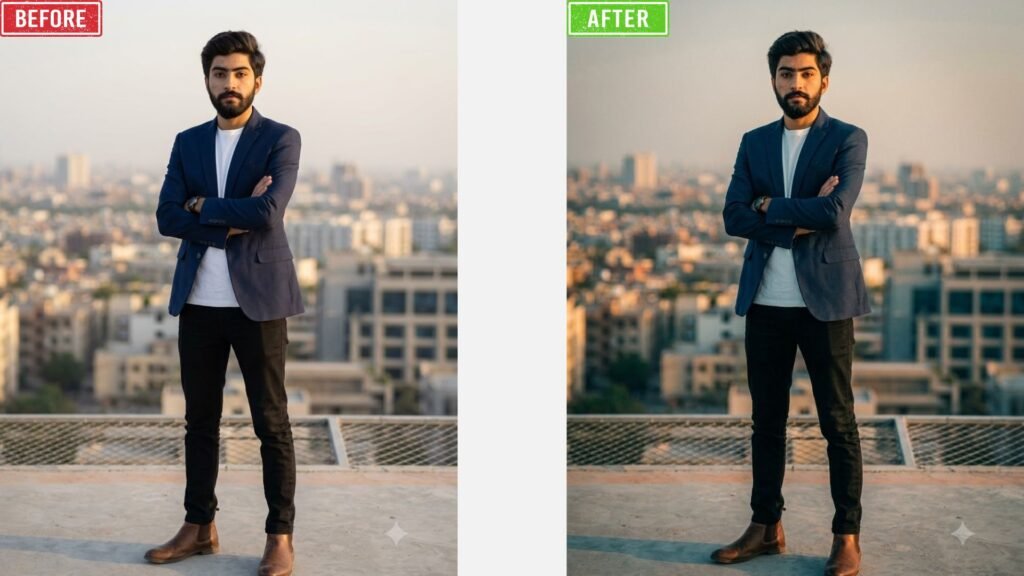
Final Thoughts:
Lighting and color are some of the easiest ways to completely change a photo, and now you have 17 Chat GPT prompts to help you do just that. Want a warm golden hour glow or a moody cinematic feel or a clean studio look? There’s a prompt above for you to try. Choose one or two of the prompts that fit the mood you want to create, try them out on your own photos, and see how much difference the right light and color can make.
If you found this article useful, save this page to return to it whenever you need it. And if you have a favorite lighting or color style we didn’t cover, tell us in the comments, we’d love to hear what worked for you and add it to a future list.
The Pictures above was Generated by Using Chat GPT and Google Gemini
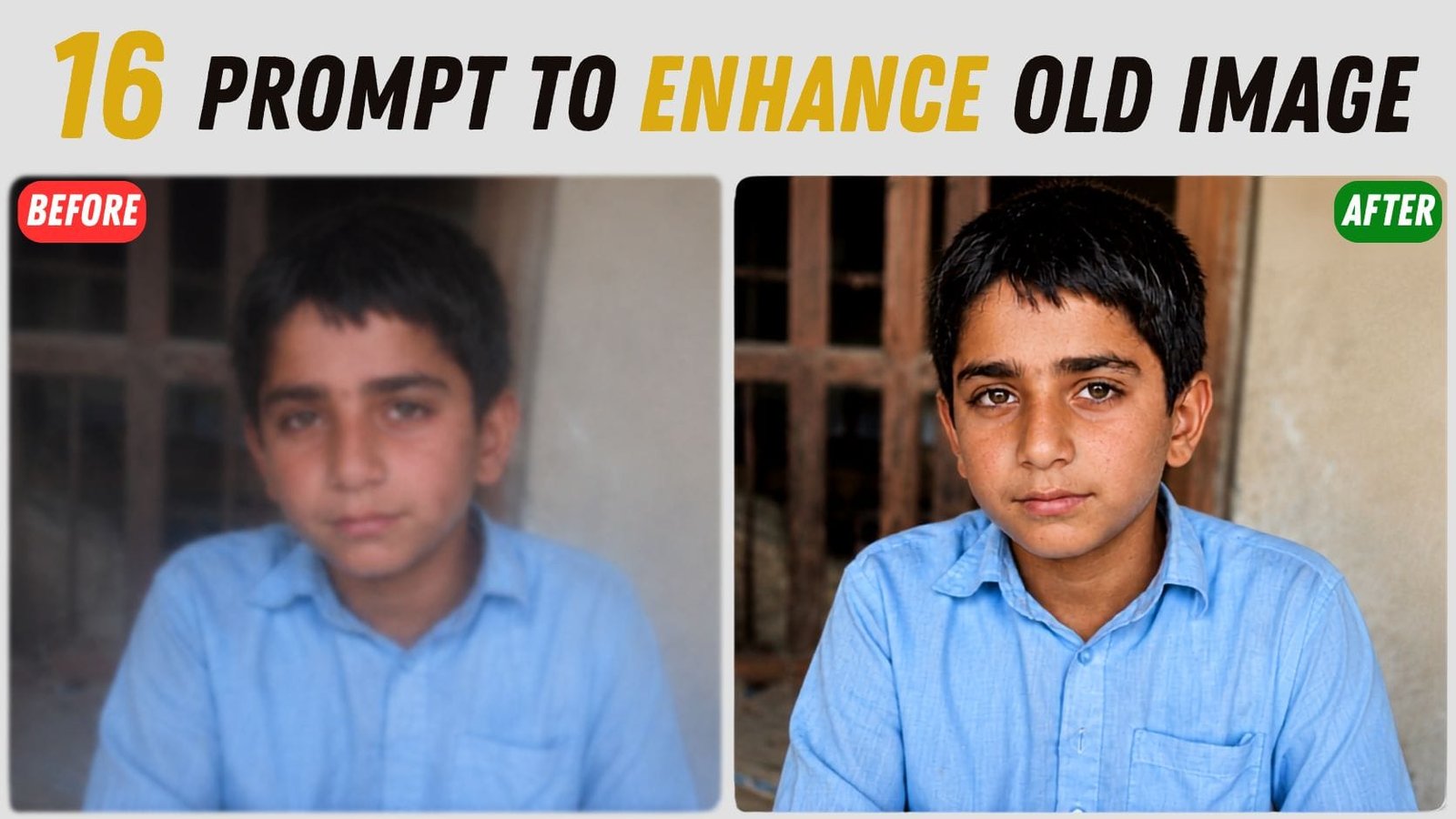
If you have old image with low quality then you can enhance image quality by getting 16 Prompts for different type o images from this Article.
Click on this article and you’ll see why it’s worth a few minutes of your time. Basically in this article you will find proper guide and prompts about fixing blurry, grainy or old faded photos we all have sitting in our gallery, and it does not take much effort at all. No need to download some expensive editing app or spend hours to learn a skill or how to use it. You can just copy one of the 16 Chat GPT prompts we added in the article, paste it in, any image generation model (Chat GPT or Google Gemini) and let it do the work. Maybe you have an old family picture with a lot or memories, this article will help you to revie memories in 4k quality. No only this even for your product photos those look dull and need some life, there are some prompts about those as well.